


GTA 6 Known Issues and Patch Tracker: Bugs, Crashes, Fixes
GTA 6 launch issues tracked: PS5 'services are busy' sign-in errors and boxed copies with bad codes lead, with dates, platforms and fix status.

Key facts
| Content backup | <p>PlayStation 5 sign-in errors are the one GTA 6 launch problem with wide reporting so far: players hitting “services are busy” when logging in to PlayStation Network from 18 November 2026, the moment New Zealand unlocked. No gameplay bug or crash has been verified at this point. The game has been out for only a few hours in the first regions, and no checked bug list exists yet.</p> <p>This log records each reported issue and what still counts as unconfirmed. New rows appear as reports arrive, and anything resting on a single report is labelled as such.</p> <figure class="wp-block-image size-large"><img src="https://gtaclub.app/wp-content/uploads/2026/11/gta-6-known-issues-patch-tracker-bugs-crashes-1-scaled-6.jpg" alt="GTA 6 known issues: Rockstar key art of Jason and Lucia holding weapons on a balcony above a Leonida city skyline at dusk (Rockstar press image)" title=""><figcaption>Key art, not a screenshot of a bug. Credit: Rockstar Games</figcaption></figure> <h2>Which problems have been reported around launch?</h2> <p>Reports from before and during the first hours fall into three groups: sign-in and server trouble on PlayStation, retail boxes with missing or unreadable download codes, and the ordinary download and licence errors that accompany any release this large. Nothing here is a fault inside the game itself.</p> <h2>GTA 6 issue and patch log</h2> <table><thead><tr><th>Date reported</th><th>Issue</th><th>Platform</th><th>Status</th></tr></thead><tbody> <tr><td>16 Nov 2026</td><td>Retail boxes with no code, an unreadable code, or a code that failed to redeem</td><td>PS5 and Xbox (retail boxes)</td><td>No widespread problem confirmed by Rockstar. Some buyers reportedly received replacements.</td></tr> <tr><td>18 Nov 2026</td><td>“Services are busy” when signing in to PlayStation online services; the connection test passes</td><td>PS5</td><td>Still open at time of writing. PlayStation’s status page showed normal service. Cause unconfirmed.</td></tr> <tr><td>18 Nov 2026</td><td>Xbox outage reports</td><td>Xbox Series X|S</td><td>None reported at time of writing.</td></tr> <tr><td>18 Nov 2026</td><td>In-game bugs, crashes, <a href="/guides/gta-6-skunk-ape-mission-kirk-flyer-night/">mission bugs</a></td><td>All</td><td>No verified reports yet. Rows will be added when an issue is documented.</td></tr> <tr><td>18 Nov 2026</td><td>Day-one patch</td><td>All</td><td>No patch size or patch notes published that could be found.</td></tr> </tbody></table> <h2>Is the PlayStation sign-in error a GTA 6 bug?</h2> <p>Everything points to server load rather than a fault in the game. As the New Zealand rollout began, players reported “services are busy” errors on outage trackers, and many affected players appear to have been in North America attempting a New Zealand workaround. Trackers counted 876 reports at about 18:00 GMT and more than 1,000 by 19:00 GMT, while PlayStation’s own status page kept showing normal service.</p> <p>The cause is not settled, and Sony had not commented at the time of writing. The only fix on offer was to wait and try again later. If the message appears, check the PlayStation status page, avoid hammering the sign-in button and retry after a few minutes. When the console’s internet test passes, the “services are busy” wording usually points to demand on the network rather than the connection itself.</p> <p>No Xbox outages were reported at the same time. That is a snapshot from the early hours and can change as the US and Europe come online.</p> <figure class="wp-block-image size-large"><img src="https://gtaclub.app/wp-content/uploads/2026/11/gta-6-known-issues-patch-tracker-bugs-crashes-2-scaled-6.jpg" alt="GTA 6 known issues: a city at night with a lit ferris wheel, an arena and busy roads seen from above (Rockstar press image)" title=""><figcaption>Credit: Rockstar Games</figcaption></figure> <h2>What is wrong with some boxed copies?</h2> <p>The retail version of GTA 6 ships a download code and no disc. The code is effectively the whole product, and buyers have run into three problems with it.</p> <ul><li>No code in the box. A Best Buy customer was reported in this position.</li><li>A code that cannot be read. Some buyers reportedly could not see the codes on US and UK PS5 copies, and some PEGI-rated boxes cover the code with a plain black strip.</li><li>A code that will not redeem. Buyers who purchased from GameStop, Best Buy and Rockstar’s own store reportedly hit this.</li></ul> <p>Rockstar has not publicly acknowledged a widespread issue, and the number of affected boxes is unknown. PlayStation’s page tells buyers with a missing or unreadable code to contact the retailer. Affected buyers reportedly received replacements, though the retailer was not named. Xbox buyers get one extra warning: Xbox codes cannot be moved between accounts, so redeem on the account that will own the game. The full checklist sits in the crash and download fix guide.</p> <h2>Which download and launch errors can appear?</h2> <p>Expect the ordinary errors that follow any large release, not new GTA 6 codes. Rockstar has published no list of GTA 6 error codes. Two codes players may meet are listed below, and no GTA 6 specific meaning has been verified for either.</p> <table><thead><tr><th>Code or symptom</th><th>Platform</th><th>What it generally means</th><th>First step</th></tr></thead><tbody> <tr><td>CE-107872-5</td><td>PS5</td><td>Described as storage related</td><td>Check free space, then search the code in PlayStation Support</td></tr> <tr><td>0x803F8001</td><td>Xbox</td><td>Ownership check (“Do you own this game or app?”)</td><td>Sign in with the buying account and check service status</td></tr> <tr><td>Download stuck at 0%</td><td>Both</td><td>Queue, network or account problem</td><td>Pause and resume before cancelling, because cancelling discards downloaded data</td></tr> <tr><td>Padlock on the icon</td><td>Both</td><td>Region not unlocked yet, or licence not verified</td><td>Wait for your regional unlock, then restore licences while online</td></tr> </tbody></table> <h2>How do you restart a stalled download?</h2> <p>PlayStation’s support page gives these steps for a download that does not progress.</p> <ol><li>Pause the download and resume it.</li><li>If it still does not start, cancel and delete it in Downloads/Uploads, then download again from your Game Library.</li><li>Check you are signed in to the account that bought the game or redeemed the code.</li><li>Check the console is online, has enough free storage and runs current system software.</li></ol> <p>Preloading needs up to 212 GB of free space depending on the device. A figure of 424 GB has also circulated but is unconfirmed. With no day-one patch size published, leave room beyond 212 GB.</p> <figure class="wp-block-image size-large"><img src="https://gtaclub.app/wp-content/uploads/2026/11/gta-6-known-issues-patch-tracker-bugs-crashes-3-scaled-6.jpg" alt="GTA 6 known issues: a sunny marina with yachts moored along wooden docks and a city skyline behind the water (Rockstar press image)" title=""><figcaption>Credit: Rockstar Games</figcaption></figure> <h2>Who do you contact for bugs, patches and refunds?</h2> <p>PlayStation’s support page splits the work. Rockstar Support takes gameplay issues, patches and bugs. PlayStation Support takes accounts, launch and download problems, codes, installation and digital refunds. For service status it points to the PlayStation status page, and Xbox players should use Xbox’s own status page.</p> <p>Before contacting support, note the full error message, the time and the steps that led to it. Rockstar’s status page carried no GTA 6 row in a snapshot from 9 November, before launch, so it cannot describe current health.</p> <h2>Do any mission bugs or workarounds exist yet?</h2> <p>No. There is no verified mission bug with a confirmed workaround, so none are listed. Any full bug list, “GTA 6 Online” outage timeline or patch schedule claimed within hours of launch is unverified until Rockstar confirms the same detail.</p> <p>For content that does work, the guides cover the missions and systems players ask about most, including <a href="/gta-6-impound-guide-get-your-car-back/">getting a car back from the impound</a>. Fast travel, the wanted level and cheat codes are answered in the list below.</p> <h2>What protects your save and your purchase?</h2> <p>Keep the game on the account that bought it, avoid changing console region unless the risk described in the release time guide is acceptable, and steer clear of “early” or discounted keys from unknown sellers. The guide to GTA 6 scams covers those risks.</p> <h2>More GTA 6 guides</h2> <ul><li>GTA 6 crash fix: download and launch problems on PS5 and Xbox</li><li>GTA 6 release time: unlock hour and the NZ trick</li><li>GTA 6 PC release date, file size and preload explained</li><li>GTA 6 Online release date: what is confirmed so far</li><li><a href="/gta-6-impound-guide-get-your-car-back/">GTA 6 impound guide: how to get your car back</a></li><li><a href="/guides/gta-6-settings-to-change-on-day-one/">GTA 6 settings to change on day one</a></li></ul> <p>Last checked 18 November 2026; the page is updated as launch-era information arrives.</p> |
|---|
PlayStation 5 sign-in errors are the one GTA 6 launch problem with wide reporting so far: players hitting “services are busy” when logging in to PlayStation Network from 18 November 2026, the moment New Zealand unlocked. No gameplay bug or crash has been verified at this point. The game has been out for only a few hours in the first regions, and no checked bug list exists yet.
This log records each reported issue and what still counts as unconfirmed. New rows appear as reports arrive, and anything resting on a single report is labelled as such.

- 8 parts
Which problems have been reported around launch?
#Reports from before and during the first hours fall into three groups: sign-in and server trouble on PlayStation, retail boxes with missing or unreadable download codes, and the ordinary download and licence errors that accompany any release this large. Nothing here is a fault inside the game itself.
GTA 6 issue and patch log
#Date reported Issue Platform Status 16 Nov 2026 Retail boxes with no code, an unreadable code, or a code that failed to redeem PS5 and Xbox (retail boxes) No widespread problem confirmed by Rockstar. Some buyers reportedly received replacements. 18 Nov 2026 “Services are busy” when signing in to PlayStation online services; the connection test passes PS5 Still open at time of writing. PlayStation’s status page showed normal service. Cause unconfirmed. 18 Nov 2026 Xbox outage reports Xbox Series X|S None reported at time of writing. 18 Nov 2026 In-game bugs, crashes, mission bugs All No verified reports yet. Rows will be added when an issue is documented. 18 Nov 2026 Day-one patch All No patch size or patch notes published that could be found. Is the PlayStation sign-in error a GTA 6 bug?
#Everything points to server load rather than a fault in the game. As the New Zealand rollout began, players reported “services are busy” errors on outage trackers, and many affected players appear to have been in North America attempting a New Zealand workaround. Trackers counted 876 reports at about 18:00 GMT and more than 1,000 by 19:00 GMT, while PlayStation’s own status page kept showing normal service.
The cause is not settled, and Sony had not commented at the time of writing. The only fix on offer was to wait and try again later. If the message appears, check the PlayStation status page, avoid hammering the sign-in button and retry after a few minutes. When the console’s internet test passes, the “services are busy” wording usually points to demand on the network rather than the connection itself.
No Xbox outages were reported at the same time. That is a snapshot from the early hours and can change as the US and Europe come online.

Credit: Rockstar Games Which download and launch errors can appear?
#Expect the ordinary errors that follow any large release, not new GTA 6 codes. Rockstar has published no list of GTA 6 error codes. Two codes players may meet are listed below, and no GTA 6 specific meaning has been verified for either.
Code or symptom Platform What it generally means First step CE-107872-5 PS5 Described as storage related Check free space, then search the code in PlayStation Support 0x803F8001 Xbox Ownership check (“Do you own this game or app?”) Sign in with the buying account and check service status Download stuck at 0% Both Queue, network or account problem Pause and resume before cancelling, because cancelling discards downloaded data Padlock on the icon Both Region not unlocked yet, or licence not verified Wait for your regional unlock, then restore licences while online How do you restart a stalled download?
#PlayStation’s support page gives these steps for a download that does not progress.
- Pause the download and resume it.
- If it still does not start, cancel and delete it in Downloads/Uploads, then download again from your Game Library.
- Check you are signed in to the account that bought the game or redeemed the code.
- Check the console is online, has enough free storage and runs current system software.
Preloading needs up to 212 GB of free space depending on the device. A figure of 424 GB has also circulated but is unconfirmed. With no day-one patch size published, leave room beyond 212 GB.
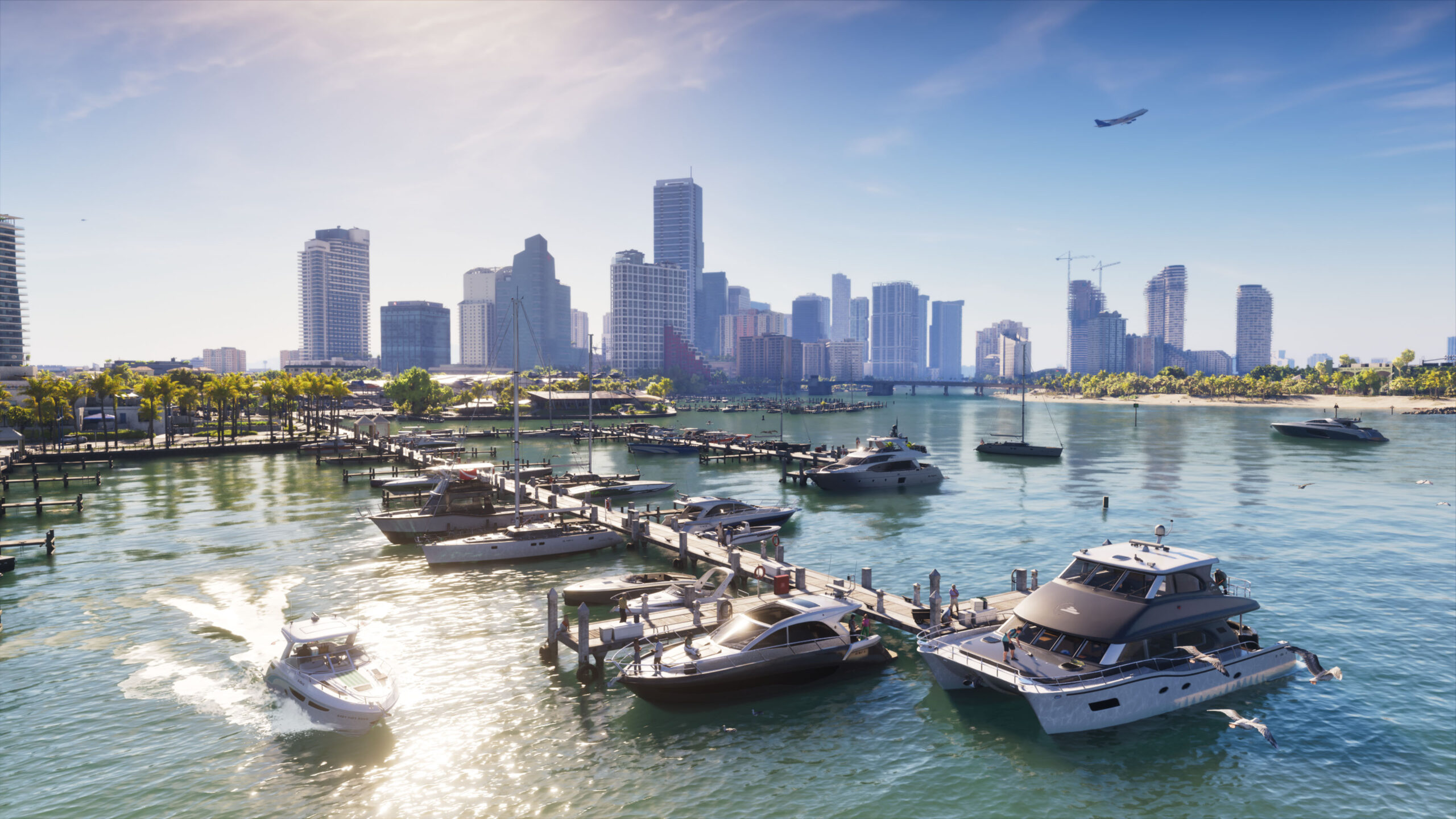
Credit: Rockstar Games Who do you contact for bugs, patches and refunds?
#PlayStation’s support page splits the work. Rockstar Support takes gameplay issues, patches and bugs. PlayStation Support takes accounts, launch and download problems, codes, installation and digital refunds. For service status it points to the PlayStation status page, and Xbox players should use Xbox’s own status page.
Before contacting support, note the full error message, the time and the steps that led to it. Rockstar’s status page carried no GTA 6 row in a snapshot from 9 November, before launch, so it cannot describe current health.
Do any mission bugs or workarounds exist yet?
#No. There is no verified mission bug with a confirmed workaround, so none are listed. Any full bug list, “GTA 6 Online” outage timeline or patch schedule claimed within hours of launch is unverified until Rockstar confirms the same detail.
For content that does work, the guides cover the missions and systems players ask about most, including getting a car back from the impound. Fast travel, the wanted level and cheat codes are answered in the list below.
What protects your save and your purchase?
#Keep the game on the account that bought it, avoid changing console region unless the risk described in the release time guide is acceptable, and steer clear of “early” or discounted keys from unknown sellers. The guide to GTA 6 scams covers those risks.
What is wrong with some boxed copies?
The retail version of GTA 6 ships a download code and no disc. The code is effectively the whole product, and buyers have run into three problems with it.
- No code in the box. A Best Buy customer was reported in this position.
- A code that cannot be read. Some buyers reportedly could not see the codes on US and UK PS5 copies, and some PEGI-rated boxes cover the code with a plain black strip.
- A code that will not redeem. Buyers who purchased from GameStop, Best Buy and Rockstar’s own store reportedly hit this.
Rockstar has not publicly acknowledged a widespread issue, and the number of affected boxes is unknown. PlayStation’s page tells buyers with a missing or unreadable code to contact the retailer. Affected buyers reportedly received replacements, though the retailer was not named. Xbox buyers get one extra warning: Xbox codes cannot be moved between accounts, so redeem on the account that will own the game. The full checklist sits in the crash and download fix guide.
More GTA 6 guides
- GTA 6 crash fix: download and launch problems on PS5 and Xbox
- GTA 6 release time: unlock hour and the NZ trick
- GTA 6 PC release date, file size and preload explained
- GTA 6 Online release date: what is confirmed so far
- GTA 6 impound guide: how to get your car back
- GTA 6 settings to change on day one
Last checked 18 November 2026; the page is updated as launch-era information arrives.
FAQ
Which issues have been reported in GTA 6 at launch?
PlayStation sign-in errors ('services are busy') under heavy load, plus boxed copies with missing or unreadable download codes. No verified in-game bug list exists yet.
Why does PS5 say 'services are busy' for GTA 6?
It looks linked to heavy demand on PlayStation Network as the game unlocked, but the cause is unconfirmed and PlayStation's status page showed normal service. Wait a few minutes and try again.
Has Rockstar shipped a GTA 6 patch?
No patch notes or day-one patch size had been published as of 18 November 2026. PlayStation points to Rockstar Support for patch and bug questions.
My GTA 6 box has no code, or the code will not work. Now what?
Contact the retailer, which is what PlayStation's support page advises. The retail box has no disc, so the code is the game.
Why is my GTA 6 download stuck at 0%?
Pause and resume first. If that fails, cancel, delete and download again from your library, after checking the buying account, your connection and free storage.
How much storage does GTA 6 need?
Rockstar says preload needs up to 212 GB of free space depending on the device. No day-one patch size has been published, so leave extra room.
Last checked:
GTA Club is an unofficial fan site, not affiliated with Rockstar Games or Take-Two Interactive.